
Todoist Metrics Live · free
Your Todoist behavior, charted.
Thirty-plus metrics over your whole Todoist history — streaks, completion patterns, backlog health, postpone pressure, even a task-survival curve. Your browser talks straight to Todoist; your data never touches a server of mine.
Todoist shows you karma and today’s count. But the interesting questions live deeper: what actually happens to a task after you create it? How old is your backlog, really? Which recurring ritual do you keep bumping, and when do you do the bumping? Ten years of my own history was sitting there, unasked.
Todoist Metrics asks. Connect with read-only OAuth and your history downloads once — straight into your browser, where all the analysis happens. No account, no backend, no tracking: a single static page that turns your task data into answers and keeps it yours.
- Karma with trend
- Goal meters
- Thirty-plus metrics
- Streaks and all-time bests
- Completion heatmap
- Weekday and hour patterns
- The task-survival curve
- Age buckets
- Backlog forensics
- Postpone pressure
- Runs in your browser
- Ritual debt
- Project lifespans
- Read-only OAuth
- Your most-postponed tasks
- Added vs. completed vs. deleted
- Hand-drawn SVG charts
- No server, no database, no tracking
- Dark and light, English and German
- A one-megabyte Mac app
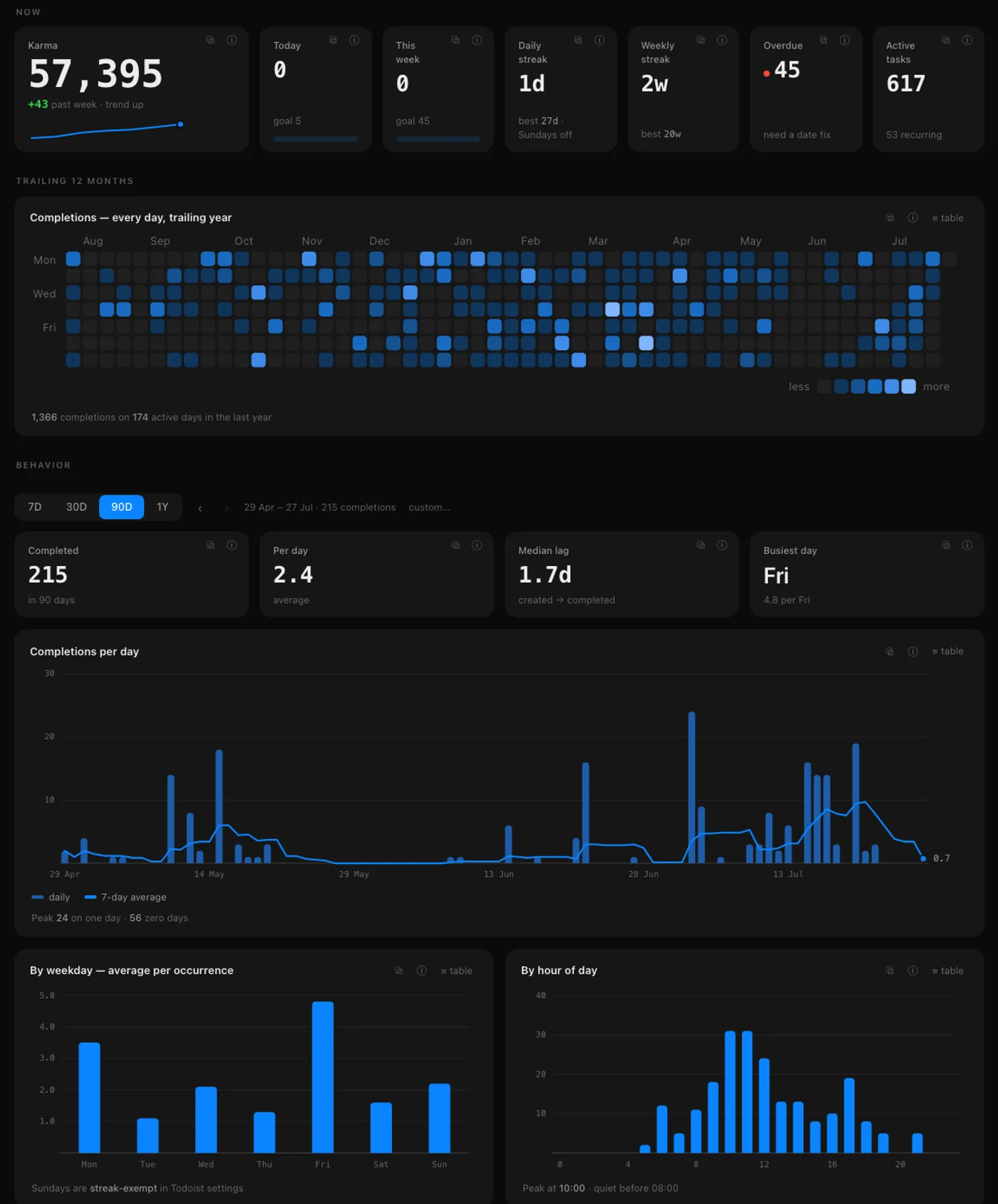
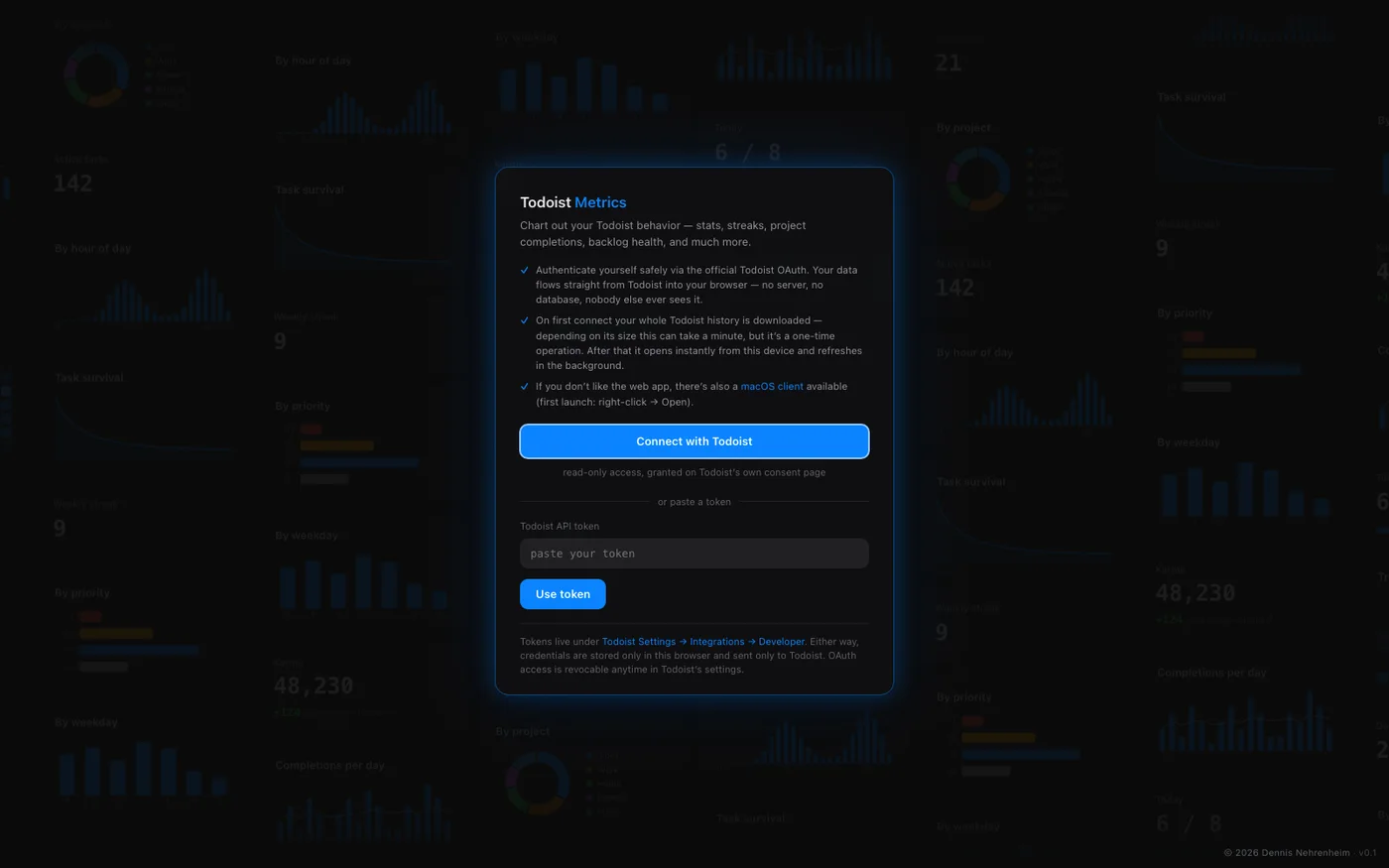
The dashboard over my own history — and the first-run screen: connect once, everything stays in your browser.
How it’s built
One hand-written static page: vanilla JavaScript, zero dependencies, every chart drawn as SVG from scratch, dark and light themes, English and German. Hosted on Cloudflare Pages; the only server-side code is a stateless OAuth token exchange. The macOS app is a native WebKit shell, about a megabyte — not Electron.
- Web · macOS
- Vanilla JS
- Hand-written SVG charts
- Read-only OAuth
- Cloudflare Pages
- Agentic engineering
Ask your task list what it’s been up to.
Free, no sign-up beyond Todoist’s own consent page, revocable anytime. Works in any browser — and if you prefer an app in the Dock, the macOS client is linked right on the start screen.